What are Canonical Tags and Why Do You Need Them?
Master the art of solving duplicate content issues on large websites and e-commerce platforms using Canonical tags.
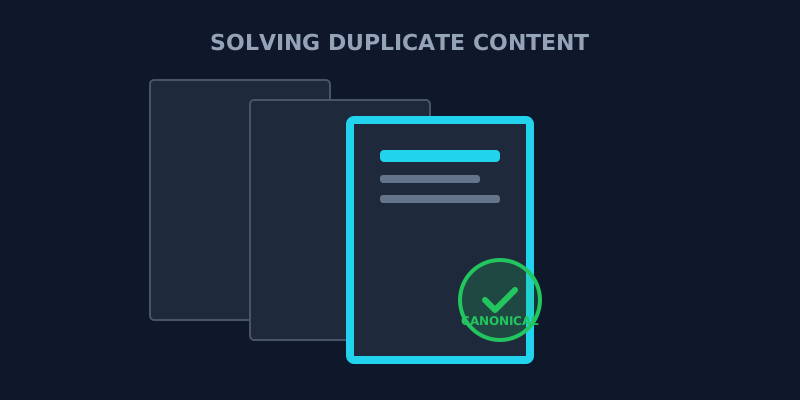
The Duplicate Content Problem
Imagine you’re building a large e-commerce store. You have a single product page for a blue t-shirt, but it’s accessible through multiple URLs like:
example.com/products/blue-t-shirtexample.com/categories/mens/blue-t-shirtexample.com/blue-t-shirt?ref=ads
Technically, these are three separate pages in Google’s eyes. This leads to duplicate content issues, where search engines have to decide which version to rank—and they often end up splitting your ranking power between them, or worse, indexing none of them.
1. What is a Canonical Tag?
A canonical tag (rel="canonical") is a snippet of HTML code that allows you to tell search engines, "Hey, I know there are multiple versions of this content, but *this* is the master version that you should index."
How to use it:
Add this line to the <head> of each of the duplicate pages:
`html
<link rel="canonical" href="https://example.com/products/blue-t-shirt" />
`
2. When Should You Use Them?
While they are critical for e-commerce, canonical tags are useful for almost every website:
- Tracking Parameters: If you use UTM parameters for social media or ads (
?utm_source=fb), canonicals ensure search engines ignore the parameters. - Mobile vs. Desktop: If you have a separate mobile site (e.g.,
m.example.com), use canonicals to point back to the desktop version. - Cross-Domain Syndication: If you republish your guest posts on your own blog, use a canonical tag to point to the original source to avoid duplicate content penalties.
- Self-referencing Canonicals: It’s actually a best practice to have every page point to itself as the "canonical" version. This prevents others from "stealing" your content by republishing it with their own URLs.
3. Common Canonical Mistakes to Avoid
- Point to a 404 Page: Always ensure your canonical URL is a live, working page.
- Multiple Canonicals: Never add more than one canonical tag to a single page. If Google sees two, it will likely ignore both.
- No-Self-Reference: Some people only use canonicals for actual duplicates. In reality, having a self-referencing canonical on every page is a massive SEO safety measure.
- Relative Paths: Always use absolute URLs (starting with
https://).
Final Thoughts
The canonical tag is a crucial tool in the Technical SEO arsenal. When used correctly, it consolidates your ranking power and ensures search engines are indexing exactly what you want them to.
Is your site suffering from duplicate content? Inspect your canonical tags here to verify your site's master URLs and protect your SEO today.
About the Creator: Hassan
WordPress Developer | 2 Years Experience
Hassan is the lead developer and visionary behind ViewPageSource. As a Computer Science student and WordPress specialist with 2 years of experience in custom theme and plugin development, he built this tool to bring transparency to the web. Hassan focuses on creating high-performance, developer-centric applications that help others understand and audit the technology stacks behind their favorite websites.
Ready to optimize your site?
Use our professional tools to analyze your source code and technical SEO health in seconds.
Start for Free →